
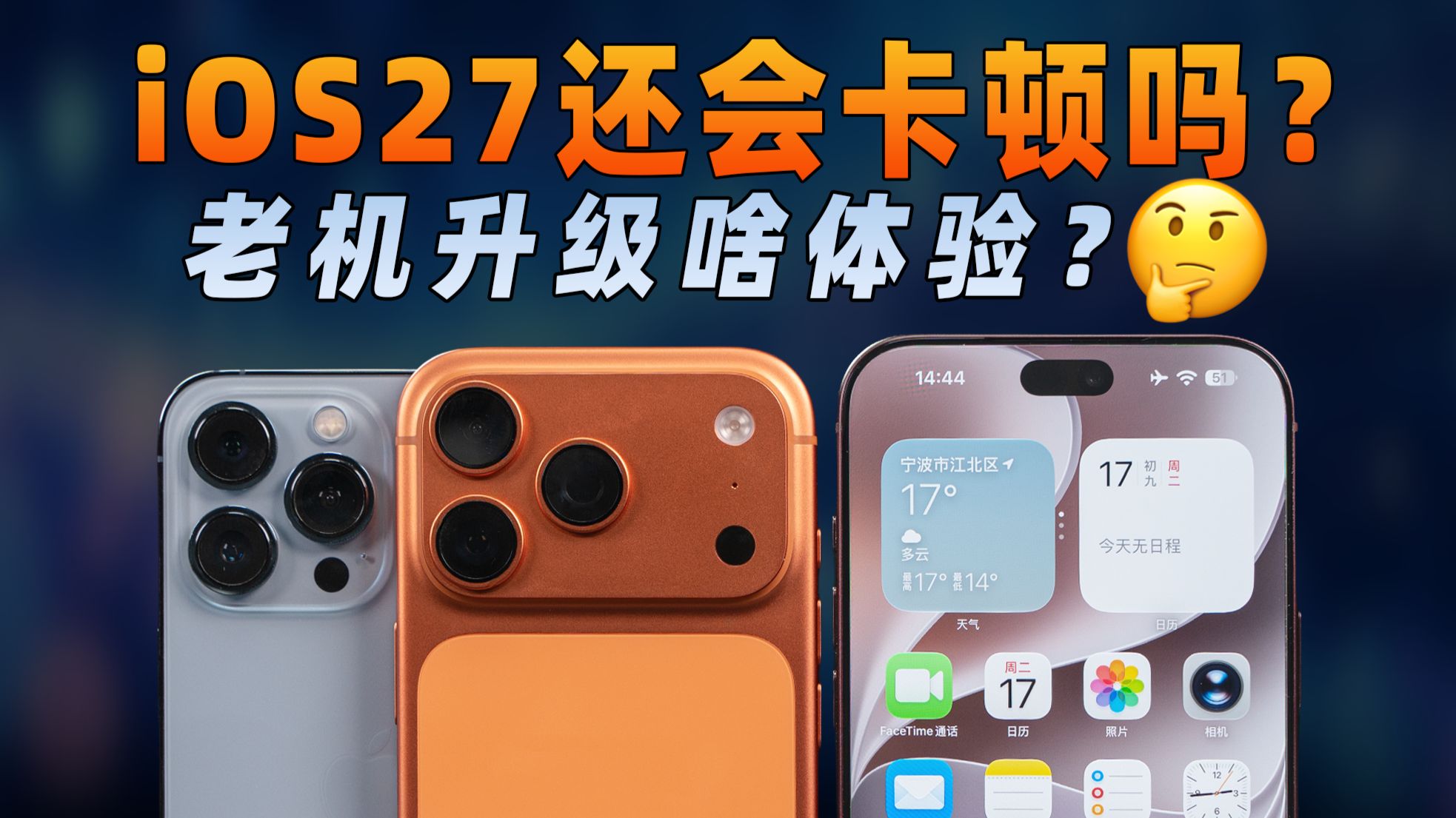
Hello everyone. What was everyone's subjective impression of the iOS 26 experience last year? Feel free to drop a comment in the chat. Last year we shared our experience with both the beta and the official release. From my personal experience, smoothness and system stability were both lacking — it was clearly a step backward of a generation. In this video, we'll look at both new and old devices to see whether this year's iOS 27 has shown clear improvement.
Let's start with the iPhone 18 Pro running iOS 27. After using it for a while, my subjective impression is that the random small frame drops and micro-stutters across the system have improved quite a bit compared to last year's iPhone 17 Pro with iOS 26. On the 18 Pro series at least, whether it's the stability of system animations or app cold starts and continuous opening and switching in heavy-load scenarios, things are fairly stable and smooth. That said, to be fair, the iPhone 18 Pro has the powerful A20 Pro behind it, so whether iOS 27's smoothness is truly up to par still depends on how it performs on older devices after upgrading.
So we also upgraded our iPhone 14 Pro to iOS 27 and used it for a few days. Overall, it's still better. For example, the random small frame drops and micro-stutters of iOS 26 were commonplace on older models, especially during relatively heavy-load operations. On the 14 Pro with iOS 27, frame drops still occur, but the frequency is noticeably lower than on iOS 26. That said, to be honest, there's still a gap compared to iOS 18 — after all, the older iPhone 13 Pro on iOS 18 can basically maintain stable, silky-smooth gesture animations and fast multitasking switching. There is one exception here, though: the new iPhone Fold. With the same A20 Pro and iOS 27, when used with the inner screen unfolded, overall smoothness is clearly worse than the 18 Pro series. When opening and closing apps, animations drop frames fairly often, and some feed scrolling visibly stutters.
Starting last year, iOS 26 put noticeably more memory pressure on phones than iOS 18. So has iOS 27 improved in this area? Again, we ran comparison tests using three models with different capacities. The 6GB iPhone 14 Pro on iOS 26.7 kept an average of 6.7 apps over three rounds, with 0.7 heavy-load apps killed — 6.3 kept. After upgrading to iOS 27, it kept 6.3, with 0.7 heavy-load apps killed. Overall performance was about the same as iOS 26, and not as good as the 13 Pro on iOS 18.
For the 8GB model, we tried the iPhone 16 Pro Max. On iOS 26, it kept an average of 6.7 apps over three rounds, with 0.3 heavy-load apps killed — six kept. On iOS 27, it kept 7.7, with 0.3 heavy-load apps killed — five kept. The score improved slightly, but it still falls short of the iOS 18 version. The 12GB iPhone 17 Pro series was already under no pressure in this test at the start of the year, so this time we increased the intensity: the number of frequently used apps was raised from 12 to 20, plus a 1v1 match of Honor of Kings plus photo-taking. On iOS 26.7, the 17 Pro Max kept an average of 18.7 apps, with 0.3 heavy-load apps killed — two killed. iOS 27 improved to 19.7 kept, with 0.3 heavy-load apps killed — one killed. Overall, that also counts as a slight improvement.
Another upgrade in this year's iOS is app launch speed. All the models we tested, especially the 6GB and 8GB older models, launch apps faster than before on iOS 26. This is likely related to iOS 27's improved optimization of processor big/little core scheduling during app launches.
However, from what we've seen so far, iOS 27 still retains some of the iOS 26 flavor. For example, app open and close animations are absurdly fast, as if running at 0.75x speed — not as elegant as in the iOS 18 era. The latest system also doesn't offer a customization option for animation speed, so Apple probably doesn't plan to change it back. The animation when swiping from the home screen to another page or the App Library still gives the impression of suddenly dropping from 120fps to 80fps, as if these two screens don't have 120fps animations, or are locked to 80fps. Also, feed scrolling across different apps still shows a noticeable high-refresh-rate inconsistency. In apps like Weibo and Dianping, scrolling through feeds frequently drops into the 80Hz tier, making the picture look choppy. On Taobao and Pinduoduo's homepages, feed scrolling is noticeably smoother, basically running at full 120Hz. Outdoors, it defaults to the 80Hz tier, but you can manually set it to 120Hz mode in the Lab options. Considering iOS 27 still lacks the refresh-rate customization options found on Android, this fragmented per-app high-refresh-rate strategy will likely persist for a long time.
The Liquid Glass readability issue that everyone has complained about for a year has received a more refined solution in iOS 27. Previously, iOS 26 only offered two levels — transparent and tinted. Now iOS 27 supports stepless intensity adjustment, from highly transparent to nearly frosted glass — you can adjust it however you like. Moreover, this adjustment toggle also syncs to the glass effects in built-in apps, which deserves praise. That said, the actual glass effects on iOS 27 have also been toned down considerably compared to iOS 26. For example, the highlight effect on iOS 26 that changed with the phone's angle is now fixed lighting from top to bottom. It seems Apple itself realized that the iOS 26 Liquid Glass effects were simply too costly performance-wise, especially on older models, so iOS 27 essentially executed a "razor plan" — cutting effects to preserve smoothness. Additionally, Control Center icons and the lock screen keypad buttons now have a black outline around them, losing that original sense of liveliness. Even with the glass effect maxed out on iOS 27, system controls can no longer automatically tint themselves based on different backgrounds like on iOS 26 — it's basically a uniform transparent effect. The upside is better readability.
The performance overhead is also lower, but it doesn't look quite as much like glass. Of course, iOS 27's glass effects do have some improvements this year. For example, some native app icons have been redesigned, and the glass texture of the icons themselves is stronger. The Music icon, for instance, has been changed to a white background with a black symbol this time, which looks a bit odd. Last year, besides the random frame drops and stuttering that gave people headaches, iOS 26's other major complaint was the endless stream of bugs. We paid close attention to this aspect in iOS 27. The center animation bug still exists: with a control toggle on a secondary page, if you exit a bit too quickly, when you reopen it there's a chance the animation flashes again, or an icon shape flashes in the middle. However, this bug won't appear as long as your hand speed is a bit slower—it's truly an impatient person's problem. In the Notification Center, when cards are stacked, the menu you swipe out from the side has the latest Liquid Glass effects at the top, but the notification sorting menu below has a high chance of reverting to the iOS 18-era look. There's also the Always-On Display option in Settings: when toggling it on or off, the option shifts position, but the button animation doesn't follow along—it stays behind in its original spot.
Beyond performance optimization and improved stability, what other reasons are there for users to upgrade to iOS 27? Among the many updates in iOS 27, the one that most resonates with iPhone users should be the alarm clock update. Previous iOS versions had no workday alarm setting—you could check Monday through Friday, which was fine for normal use, but whenever there was a makeup workday (adjusted rest day), if you didn't set it in advance, your perfect attendance bonus was probably gone. Now alarms support workday settings, so you basically don't need to worry about this anymore. Before iOS 27, the volumes for ringtones, alarms, and notifications were locked together. Right after you adjusted the notification volume to a suitable level, the alarm volume would become too quiet; once the alarm volume was normal, the phone and notification volumes would be too loud. Now you can adjust ringtone, alarm, and system volumes separately, so each volume can be set to your own comfortable level. Of course, features like per-app volume adjustment are still absent on iOS—I suggest iOS 28 learn from Android on this. In the past, on iPhone, after copying content, you either had to long-press to paste, or rely on a third-party keyboard's clipboard. After upgrading to iOS 27, when copying, you can now, just like with third-party keyboards, tap the clipboard content in the suggestion bar to paste directly, which is much more convenient to operate.
As for the age-old problem of inconsistent swipe-back logic, this generation of iOS 27 is still the same. Some system function interfaces and some third-party apps support swiping right from the middle of the screen to go back, which is quite convenient for one-handed use—for example, Weibo, Xiaohongshu, and system Settings. But at the same time, there are still a large number of apps that require swiping right from the very left edge of the screen to go back, which basically makes one-handed swipe-back impossible. Meanwhile, a small number of apps' subpages require tapping the back icon in the top-left corner, or swiping several times. So, quick summary: compared to last year's terrible stability and smoothness, this year's iOS 27—whether on several-year-old devices or last year's models—basically delivers positive improvements for anyone who previously upgraded to iOS 26. On older models, frequent animation frame drops and bug stability have improved considerably. New devices vary: the two 18 Pro series phones are quite stable, but on the iPhone 16 Pro, frame drops are still fairly frequent as of now. As for background app retention, 8GB devices have improved slightly, but the 12GB background retention experience is still noticeably much better than 8GB. The overall assessment can be summed up in two phrases: improved stability, optimized smoothness. And if you have an older model with 6GB of RAM, then considering smoothness and background experience, iOS 18 is still the most worthwhile version to settle on, because even the latest iOS 27 hasn't fully returned to the level of iOS 18. In other respects, iOS 27 adds the workday alarm and volume separation features that Apple users have long awaited, and the glass effect intensity can now be adjusted yourself. But some long-standing problems remain basically unchanged: inconsistent swipe-back logic, an obvious high-refresh-rate disconnect between different apps, and still no inherited long-screenshot feature. My impression is that last year Apple essentially released a year-long beta, and this year's iOS 27 is the real iOS 26.
OK, that's all the content for this video. If you think the video is pretty good, I hope everyone can give it a like and follow—that's our biggest motivation for making videos. Also, don't forget to visit our Taobao store to browse and find more quality tech products. See you in the next video—bye-bye!